This browser can’t display the page correctly

Your browser engine is outdated, so some styles and features may not work correctly.

Tap ··· and choose “Open in Browser”, or copy https://minecho.com and open it in the latest Chrome, Safari, or Edge. On Android, you can also try updating System WebView.

Minecho
Video TranslationTranslate audio or video speech.Voice CloningClone personalized voices in 1min.Text to SpeechConvert text to natural, vivid speech.Voice ChangerTransform the tone of any song or voice in one click.
MiniProgram

WeChat MiniProgram

APIPricing

Voice Cloning

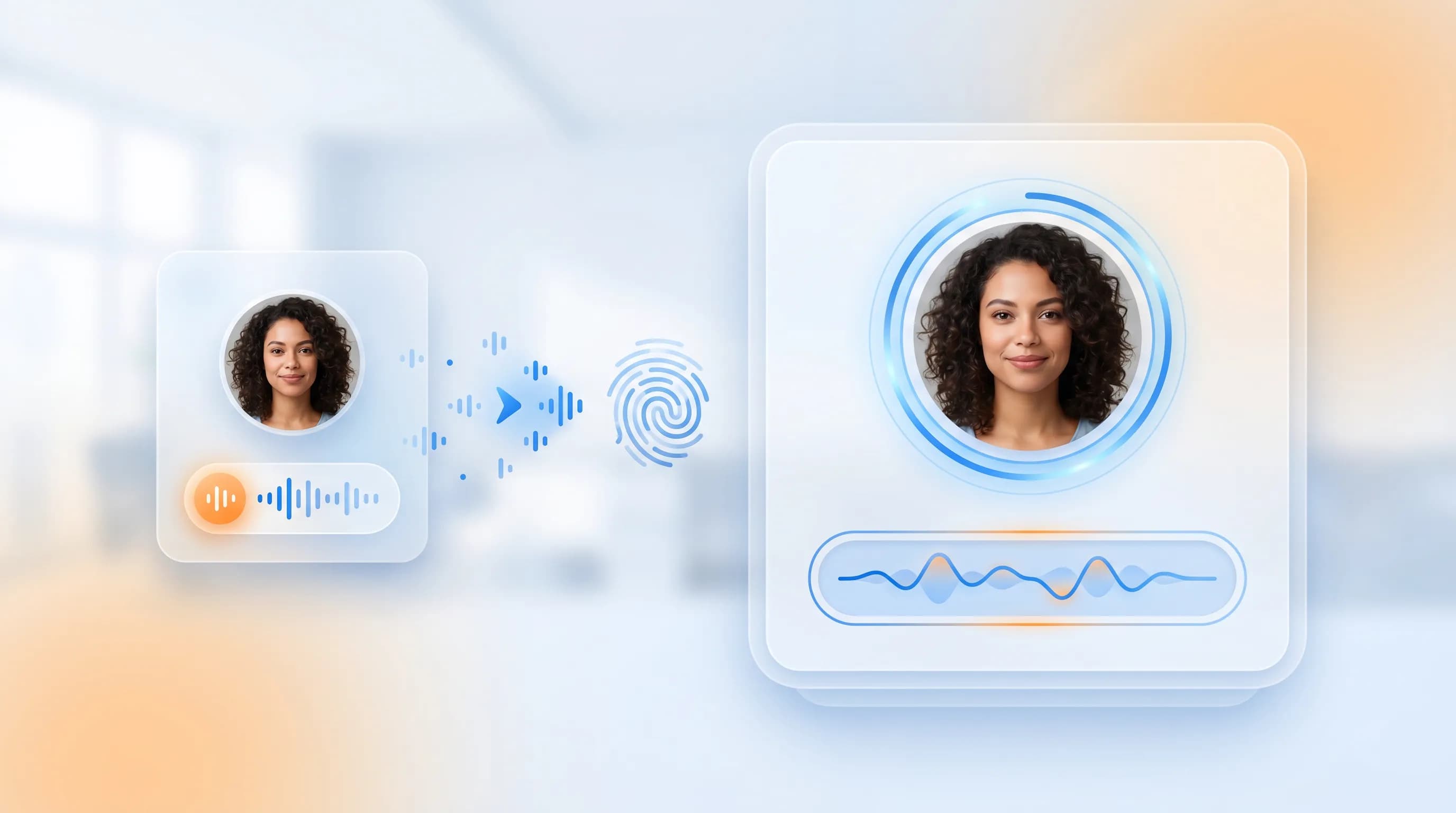
Create a reusable voice for video translation, text-to-speech, and multilingual content.

Use your cloned voice across Minecho workflows; optionally unlock Jupiter v1 for support in up to 35 languages.

Clone a voice
EileenOriginal
EileenClone: English
EileenClone: Japanese
SamOriginal
SamClone: Mandarin
SamClone: Russian
TaylorOriginal
TaylorClone: German
TaylorClone: French

For demonstration only. Do not clone voices without authorization.

How to clone a voice online

Create a reusable cloned voice in three steps: upload a clear sample, name the voice, and use it across Minecho tools.

  1. Step 1

    Upload or record a clear sample

    Upload or record a clean sample with only the target speaker's voice.

    Audio and video uploads are both supported.

  2. Step 2

    Name the voice and submit

    Give the voice a clear name and choose the required settings.

    A clear name makes it easier to reuse the voice across products.

  3. Step 3

    Use your cloned voice

    Manage cloned voices in "My Voices".

    Use it in video translation, text-to-speech, voice changer, and other creation workflows.

Voice Cloning Features

Create a reusable voice from a short sample, then keep that voice consistent across languages and workflows.

Create a reusable voice fast

Upload a short audio or video sample to create a reusable personal voice profile for video translation, text-to-speech, and content creation.

Preserve tone and emotion

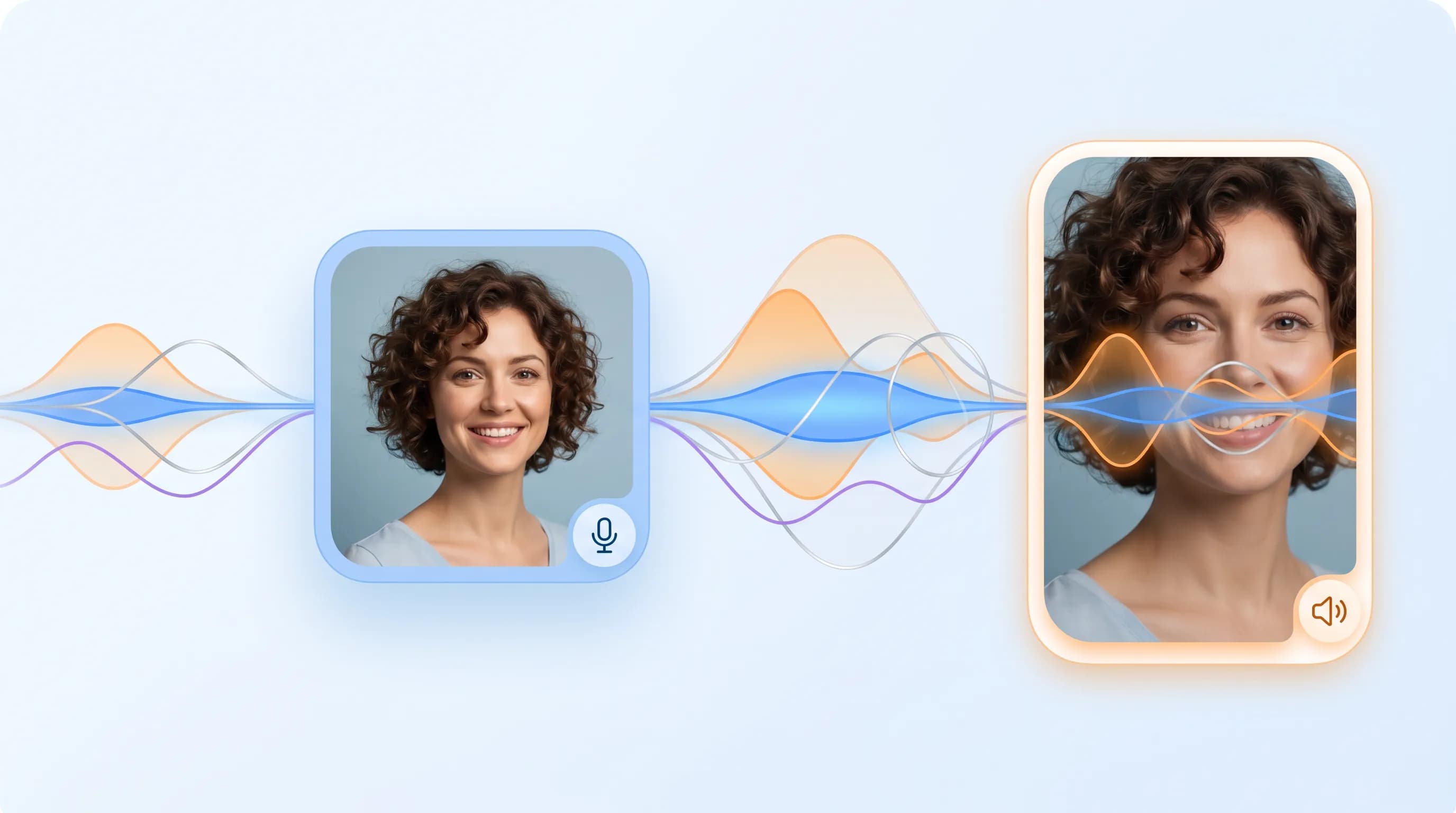
Preserve the speaker's vocal texture, tone, and emotional delivery, so generated speech sounds natural and close to the real person.

Reuse voices across workflows

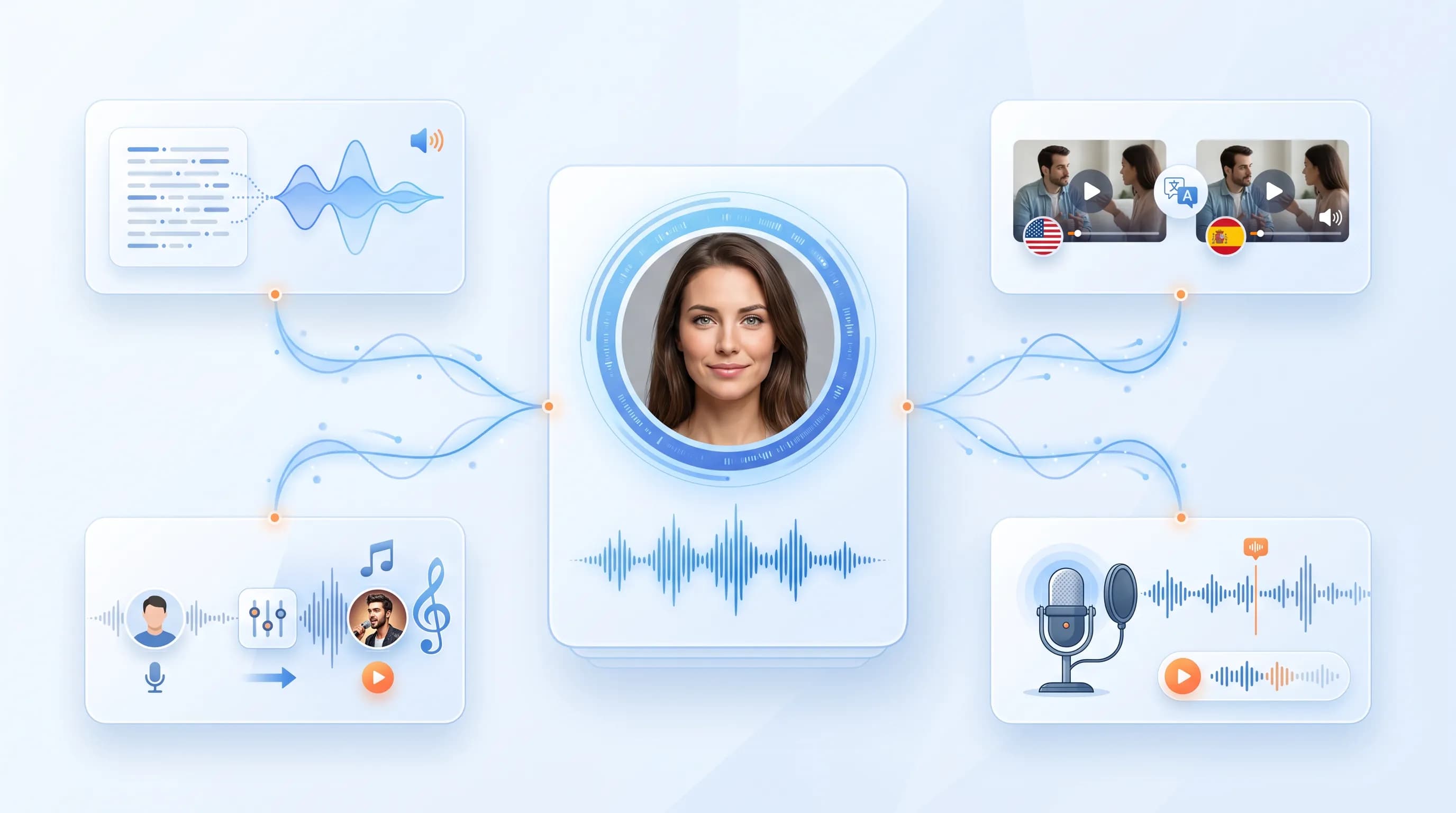
Apply cloned voices to video translation, text-to-speech, and multilingual creation, so one voice can support more production scenarios.

Loved by creators around the world

See how teams use Minecho to dub, clone, and ship audio faster.

Xinyi

Self-media blogger

Voice cloned by AI works great

I've cloned a few voices and they work great for video translation and text-to-speech. My workflow is dramatically faster now.

Video translation removes language barriers

I used video translation to localize educational videos for my students — it's a great way to learn across cultures.

Jacob

Teacher

Cross-border marketing just got easier!

Our marketing videos can be translated into multiple languages in just a few steps. It's more efficient and much more affordable.

Laura

Marketer

FAQ

Voice cloning samples and voice management — common questions.

A few seconds of clear speech is enough to start. Longer, cleaner samples usually produce more stable results. Use cloned voices in Text to Speech, Video Translation, and Voice Changer.
Only clone voices that you own or have permission to use. Do not clone, publish, or distribute another person's voice without authorization.
Use clear, natural speech with only the target speaker. Avoid background noise, echo, reverb, music, and overlapping voices.
The source file may contain no speech, poor-quality audio, or content that violates the Voice Cloning Terms. In those cases, the voice may fail or be removed automatically.
Check whether your device, browser, or tab is muted first. If the source file contains no human voice, is too quiet, or has audio quality issues, previews or generated audio may also have no sound.
Different membership plans support different file size and duration limits. See the pricing page for details.
Uploading requires a stable network (the speed is mainly related to the local network speed). Please do not leave during uploading, otherwise the network may be interrupted and the upload may fail. You can continue uploading or cancel uploading and try again. It is recommended to use the web version for large files first.
After the task is submitted successfully, it will run automatically in the cloud. You can leave without waiting. You can view and resume the task at any time in "My Creation".
We use security measures to protect uploaded files, cloned voices, privacy, and intellectual property. Files can be manually deleted, and expired files are automatically and permanently deleted. See our Privacy Policy for details.

Create a voice you can reuse

Upload a clear sample and create a cloned voice for text-to-speech, video translation, and voice changer workflows.

Clone a voice
Minecho

Meet next-generation voice AI

DouyinRednote
WeChat Official Account

WeChat Official Account

WeChat MiniProgram

WeChat MiniProgram

Products

Video TranslationVoice CloningText to SpeechVoice ChangerPricing

Support

Help CenterTermsPrivacyAbout
© 2026 Lightsail Tech LTD