
Xinyi
Self-media blogger
Voice cloned by AI works great
I've cloned a few voices and they work great for video translation and text-to-speech. My workflow is dramatically faster now.

Turn scripts into natural speech with built-in or cloned voices.
Create speech in three steps: enter a script, choose a voice and language, then generate and download your audio.
Enter or paste the script you want to turn into speech.
Choose the language and voice that fit your script.
Use a built-in voice for speed, or apply a cloned voice for a consistent speaker.
Submit the task and let Minecho generate speech in the cloud.
Preview the result, download the audio, or continue creating more clips.
Turn scripts into natural speech with built-in voices, cloned voices, cloud processing, and cross-device sync.
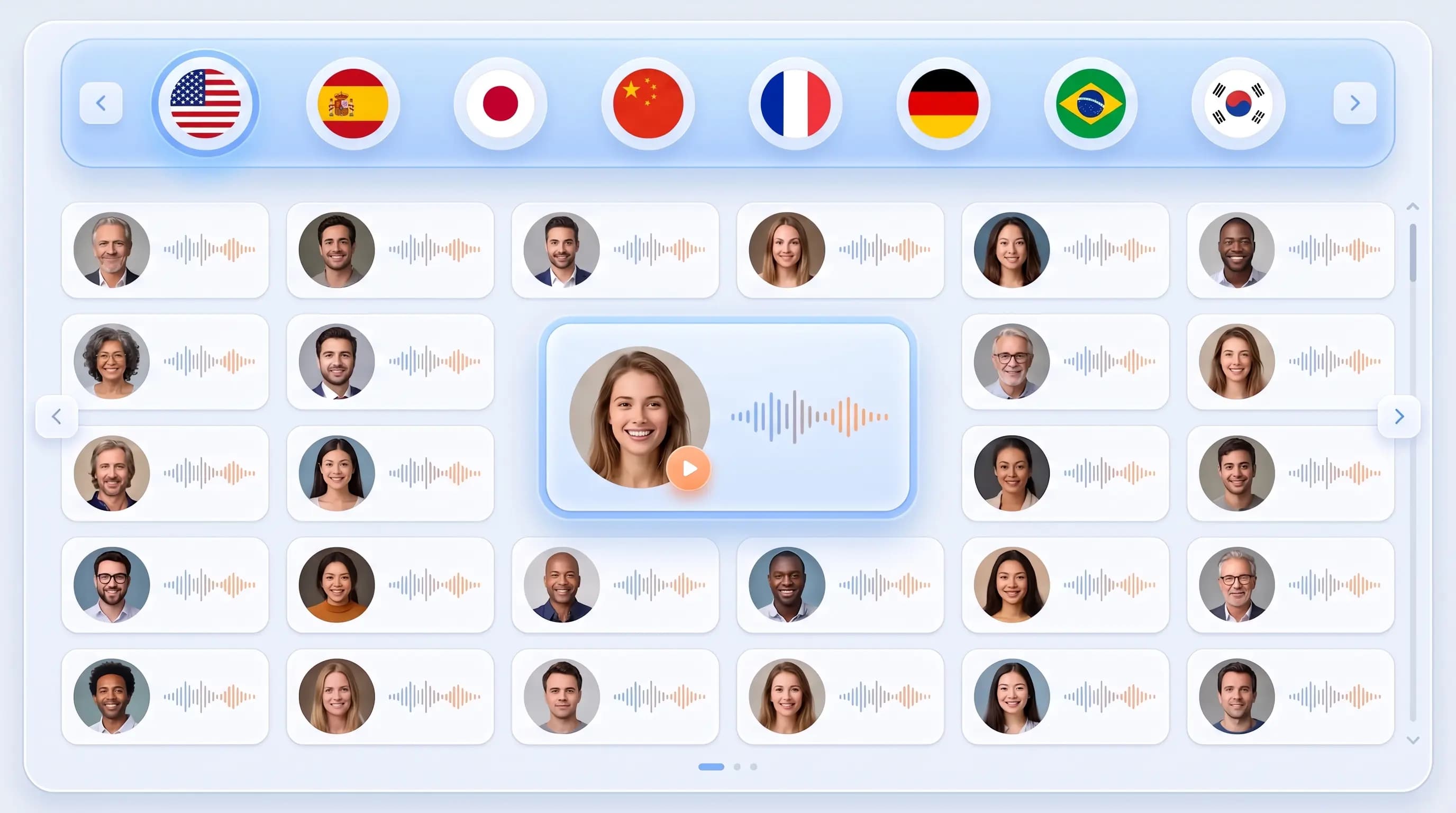
Generate speech in 20+ languages and dialects, with multiple natural voices for each language. The workflow is simple: enter text, choose a voice, and submit.
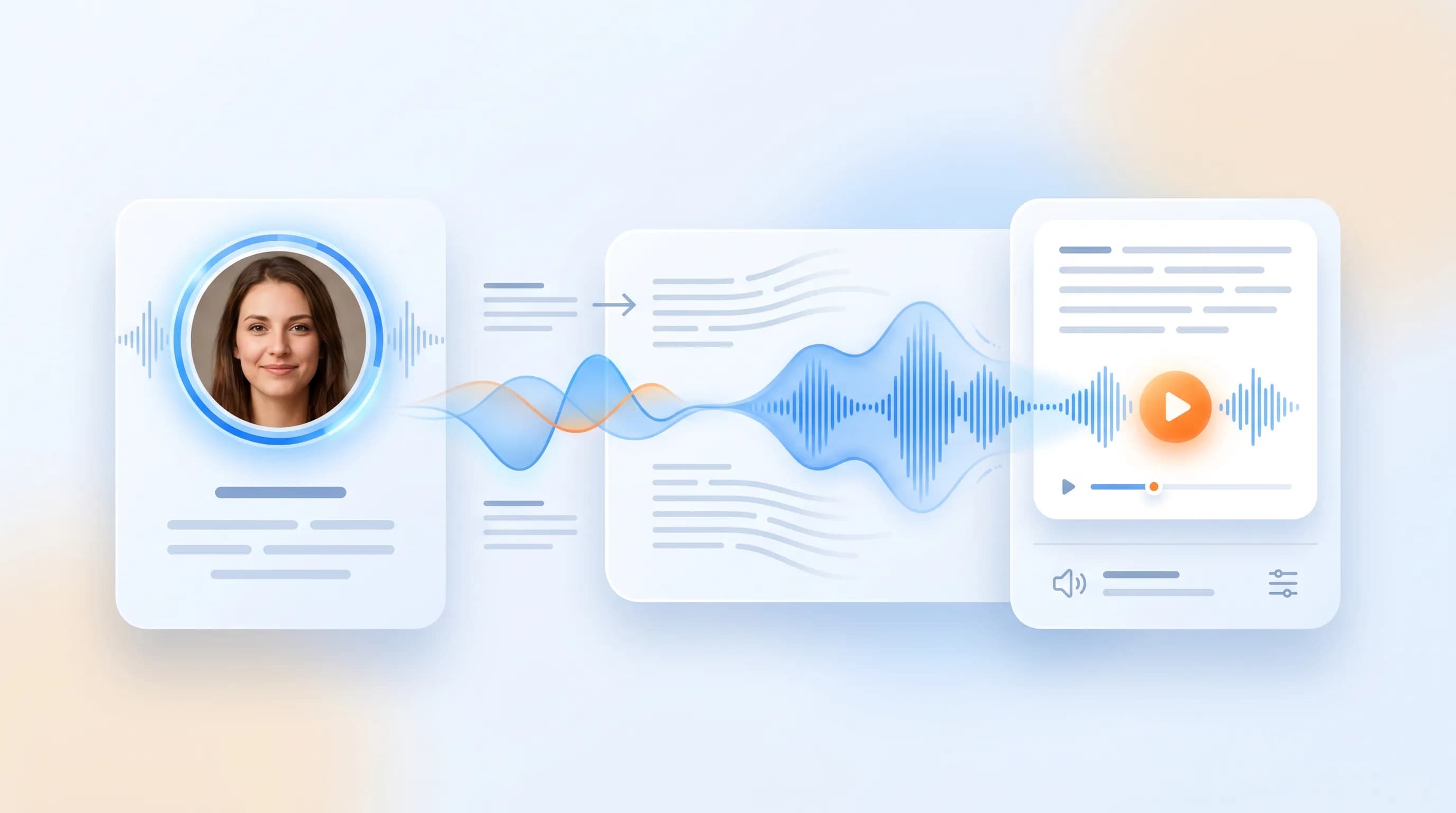
Use a cloned voice in up to 15 languages, so one speaker can stay consistent across localized scripts.

Submit a task and let it run in the cloud, even if you leave the page. Results stay synced across web and mobile mini app experiences for preview and download.
See how teams use Minecho to dub, clone, and ship audio faster.
Xinyi
Self-media blogger
I've cloned a few voices and they work great for video translation and text-to-speech. My workflow is dramatically faster now.
I used video translation to localize educational videos for my students — it's a great way to learn across cultures.

Jacob
Teacher
Our marketing videos can be translated into multiple languages in just a few steps. It's more efficient and much more affordable.

Laura
Marketer
Text-to-speech, voices, and credits — common questions.
Enter text, choose a built-in or cloned voice, and generate audio you can preview, download, or reuse in content workflows.