
Xinyi
Self-media blogger
Voice cloned by AI works great
I've cloned a few voices and they work great for video translation and text-to-speech. My workflow is dramatically faster now.

Upload a song, speech clip, or video, choose a target voice, and create natural-sounding covers or voice changes.
Use built-in voices or cloned voices for covers, narration, characters, and creative audio.
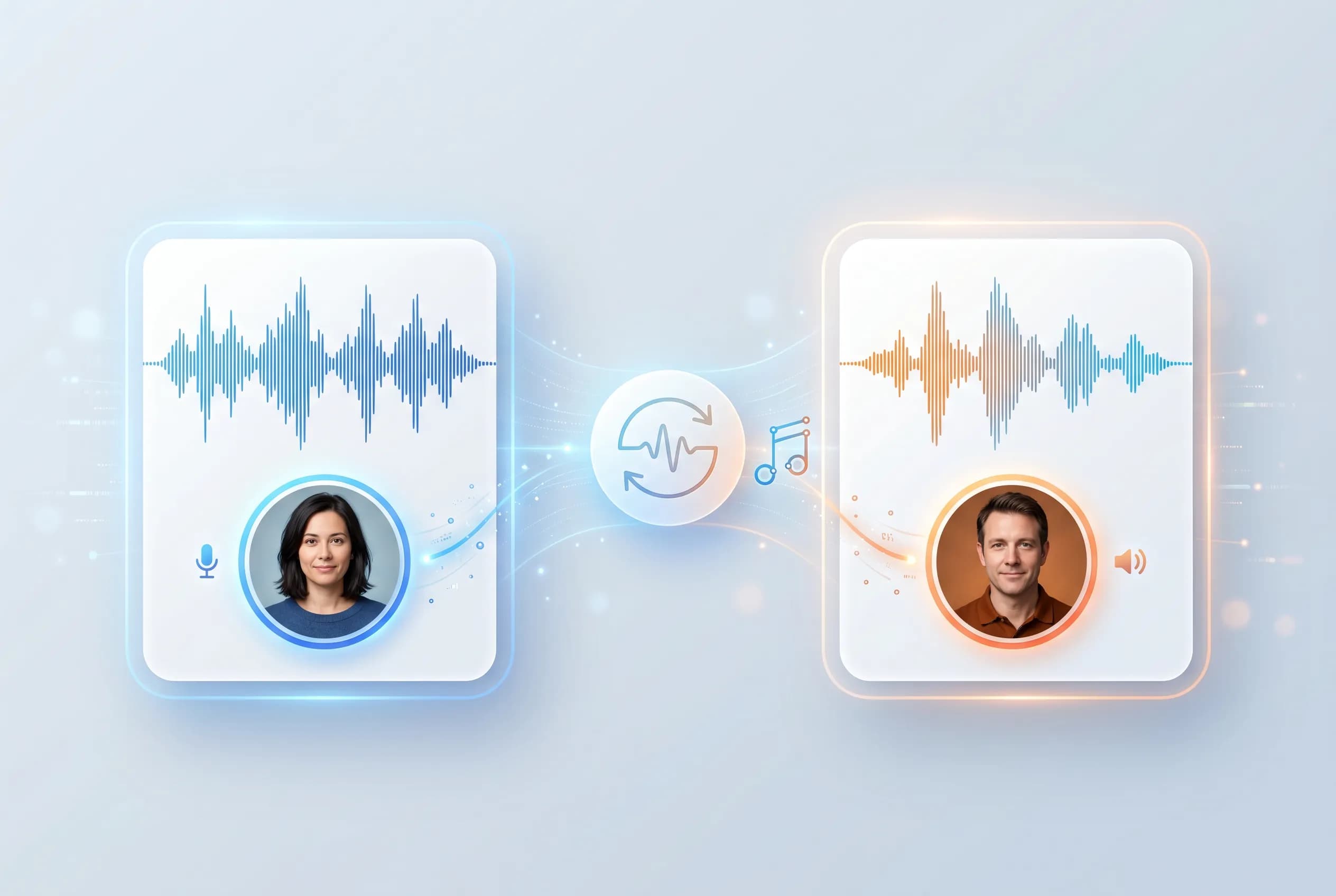
Create an AI cover or change a voice in three steps: upload audio, choose the target voice and settings, then download the result.
Upload the audio or video file you want to transform.
Select the target voice, similarity level, and output format.
Use a built-in voice or one of your cloned voices.
Download the transformed file when the task is complete.
Share the creation, adjust settings, or run another version.
Create AI covers, transform speech, and reuse cloned or built-in voices for creative audio production.
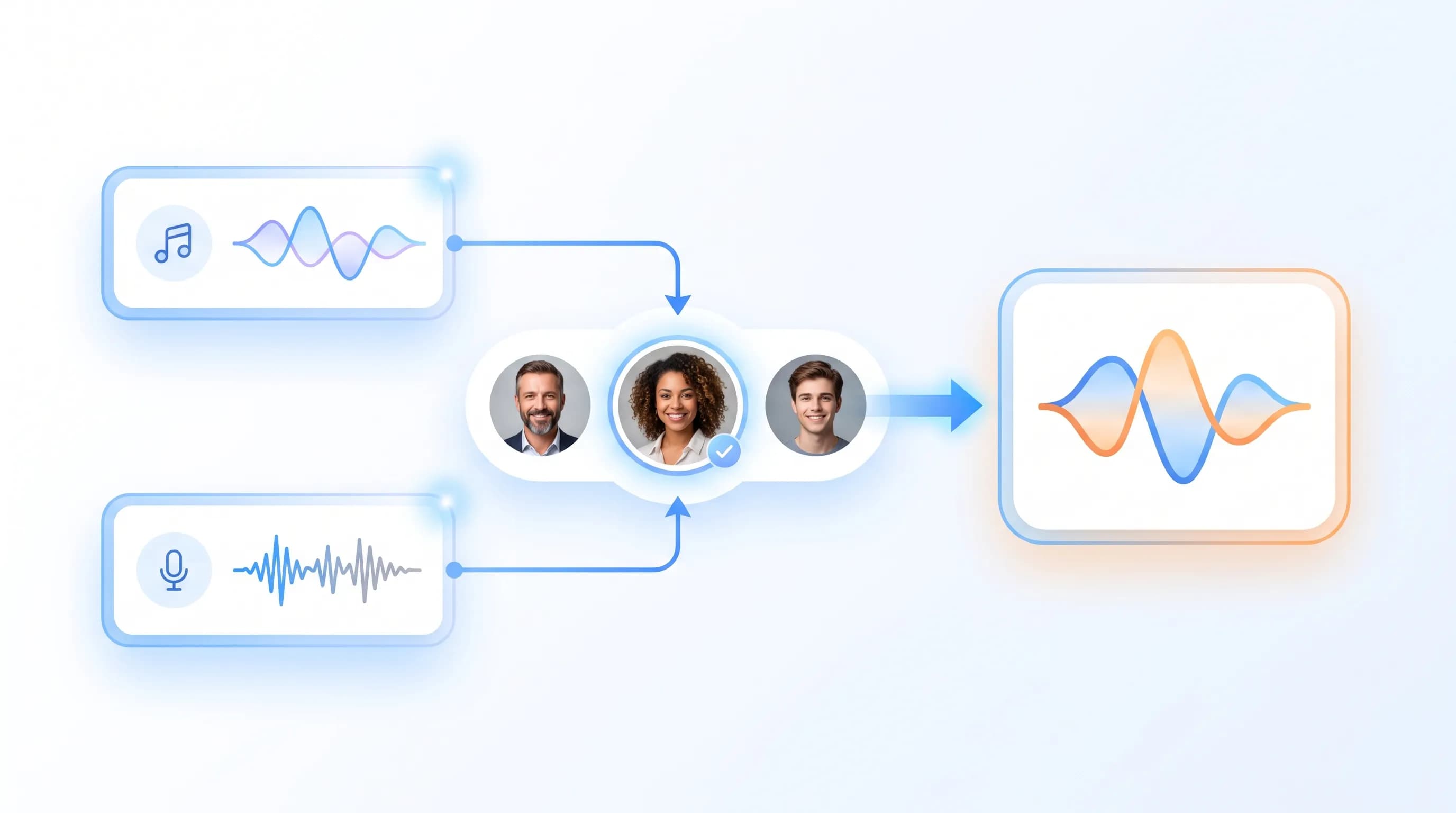
Upload a song, speech clip, or video, choose a target voice, and generate a clear, natural-sounding AI cover or voice change.
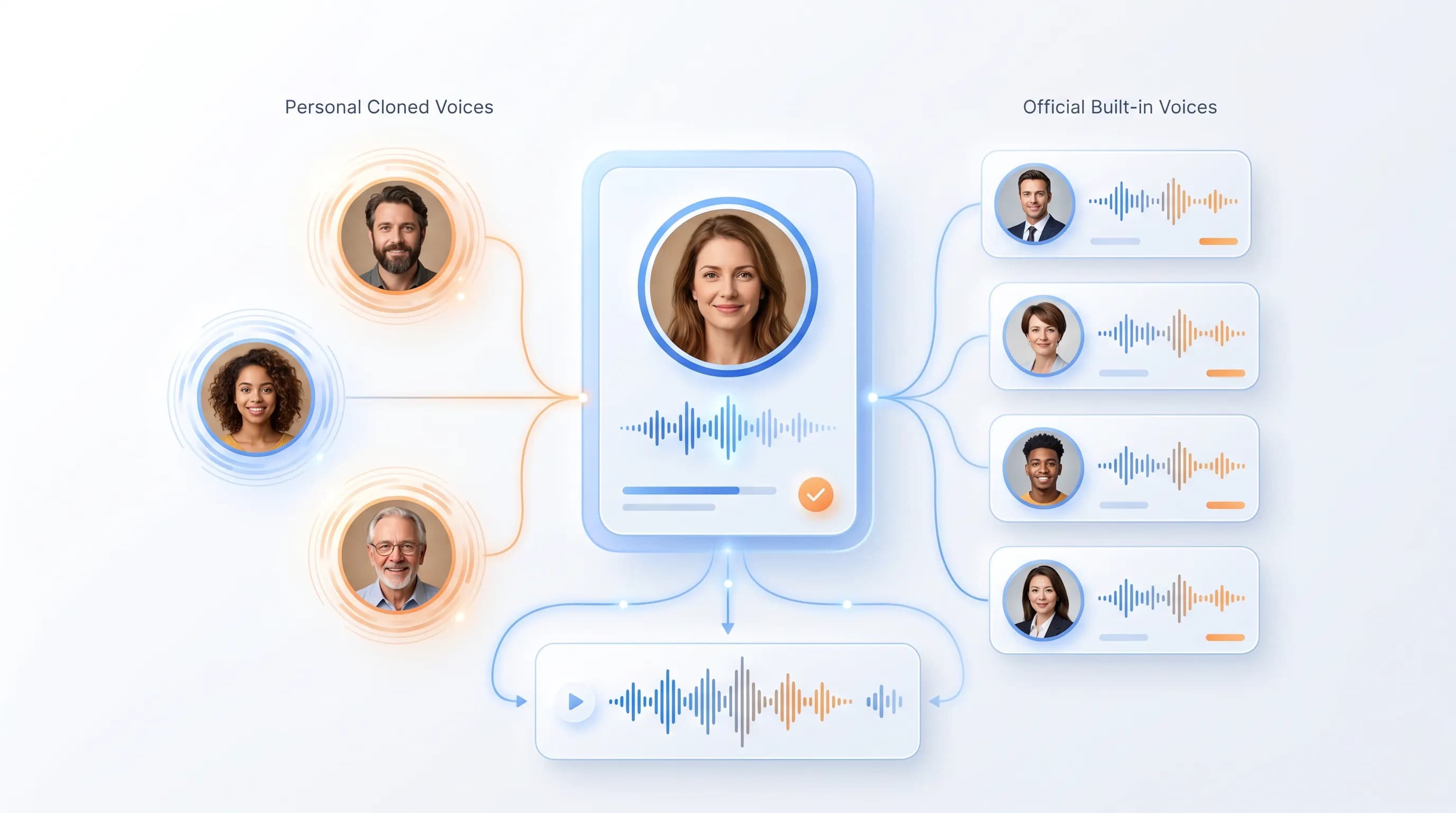
Apply your own cloned voices or choose from official built-in voices for covers, narration, character voices, and other voice creation needs.
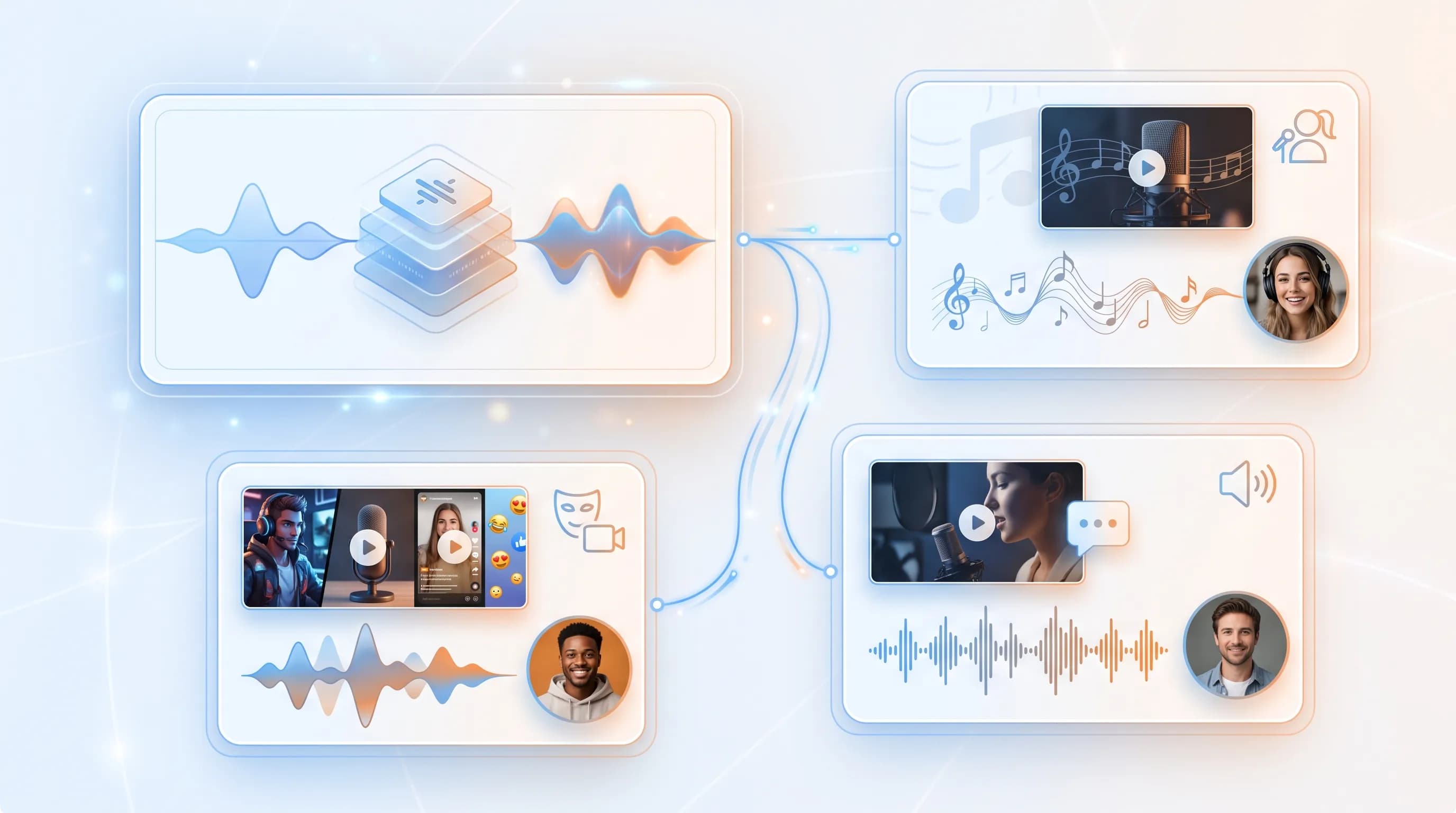
Use the same voice changer workflow for song covers, short-form narration, character voices, and creative audio production.
See how teams use Minecho to dub, clone, and ship audio faster.
Xinyi
Self-media blogger
I've cloned a few voices and they work great for video translation and text-to-speech. My workflow is dramatically faster now.
I used video translation to localize educational videos for my students — it's a great way to learn across cultures.

Jacob
Teacher
Our marketing videos can be translated into multiple languages in just a few steps. It's more efficient and much more affordable.

Laura
Marketer
AI covers, voice changer, uploads, voices, and export — common questions.
Upload a song, speech clip, or video, pick a target voice, and create a natural-sounding cover or voice change.